


Your Playlist.
Your Way.
A bold, fast IPTV player for your own M3U & Xtream playlists — up to 10 lists, channel EPG, favorites and a one-bar player, all built for your remote.

Built around
your playlist
Everything a playlist needs on the big screen — nothing it doesn’t.
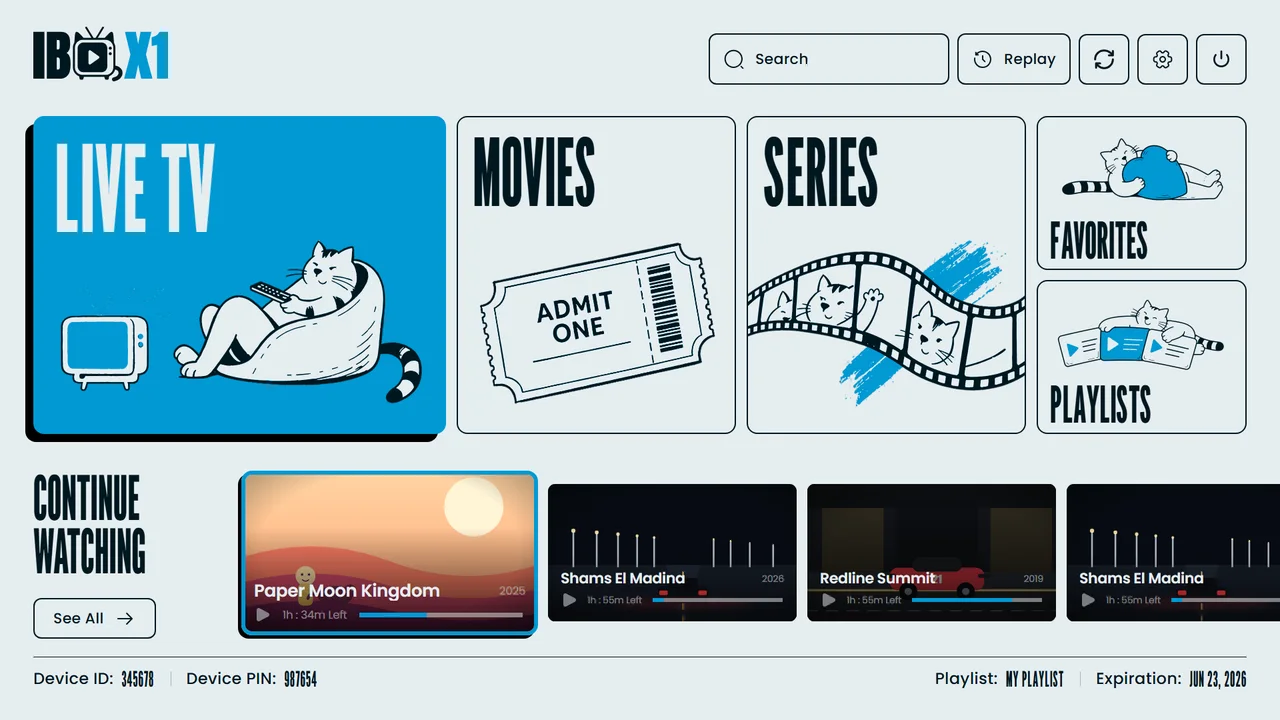
See the whole library at a glance
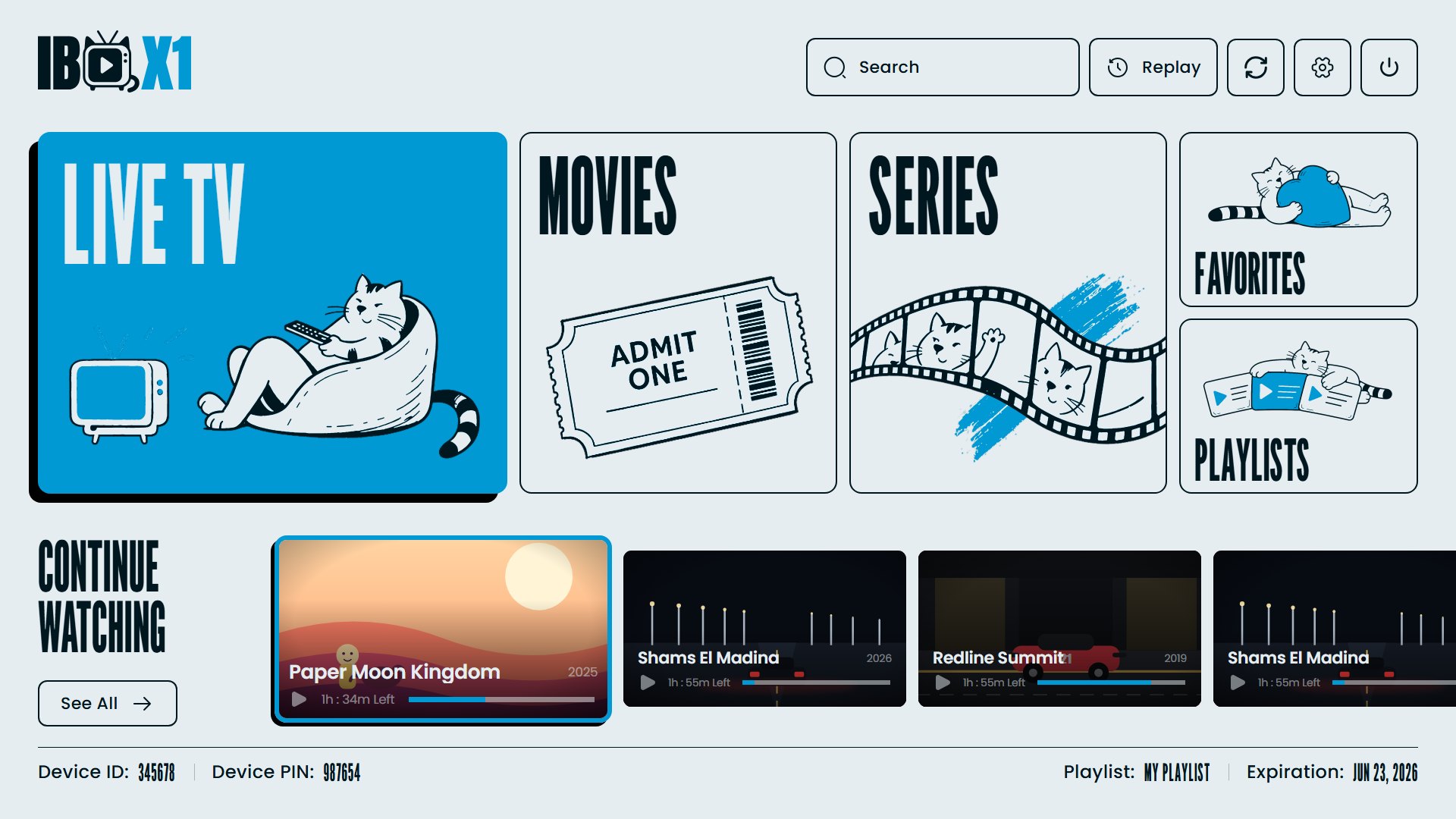
Live TV, Movies, Series, Favorites and Playlists on one bold home screen — the cat approves.
Up to 10 playlists
M3U, M3U8 or Xtream Codes — add, name and switch in seconds, or scan the QR code from the panel.
Live TV with channel EPG
Categories, channel groups and a program guide right beside the channel you are watching.
Movies & Series views
Category browser, ratings, cast and season tabs with episode progress.
Continue Watching
Resume any channel, movie or episode exactly where you stopped — across your whole library.
One-bar player
Quality, audio track, aspect ratio, subtitles, brightness and volume — on a single control bar.
Parental lock & privacy
PIN-protected categories, hide or sort categories, and clear watch history by hour, day, week or all time.
Press a button.
See the screen.
Three steps
to play
Install
Get IBO X1 from the app store on your Samsung or LG Smart TV.
Add your playlist
M3U URL or Xtream Codes login — or scan the QR code from the panel.
Press play
Pick Live TV, Movies or Series. Your remote does the rest.
Simple plans.
No surprises.
Try the player, then activate your device. Both plans unlock the full player.
- Full player features
- Flexibility, year by year
- All interface languages
- Cancel anytime
- Full player features
- No renewals, no limits
- All future updates
- Priority support
Ready for a bolder player?
Install IBO X1 from your TV’s app store, add your playlist and press play — it takes minutes.
Compatible with Samsung Tizen (2016+) and LG webOS 3.0+ · Android TV & Fire TV coming soon
 Hot ORA
 IBO One
 ORA Players
 ORA Pro
 Kemet TV
 Gravity Player
 Duplex Pro